
BCAM
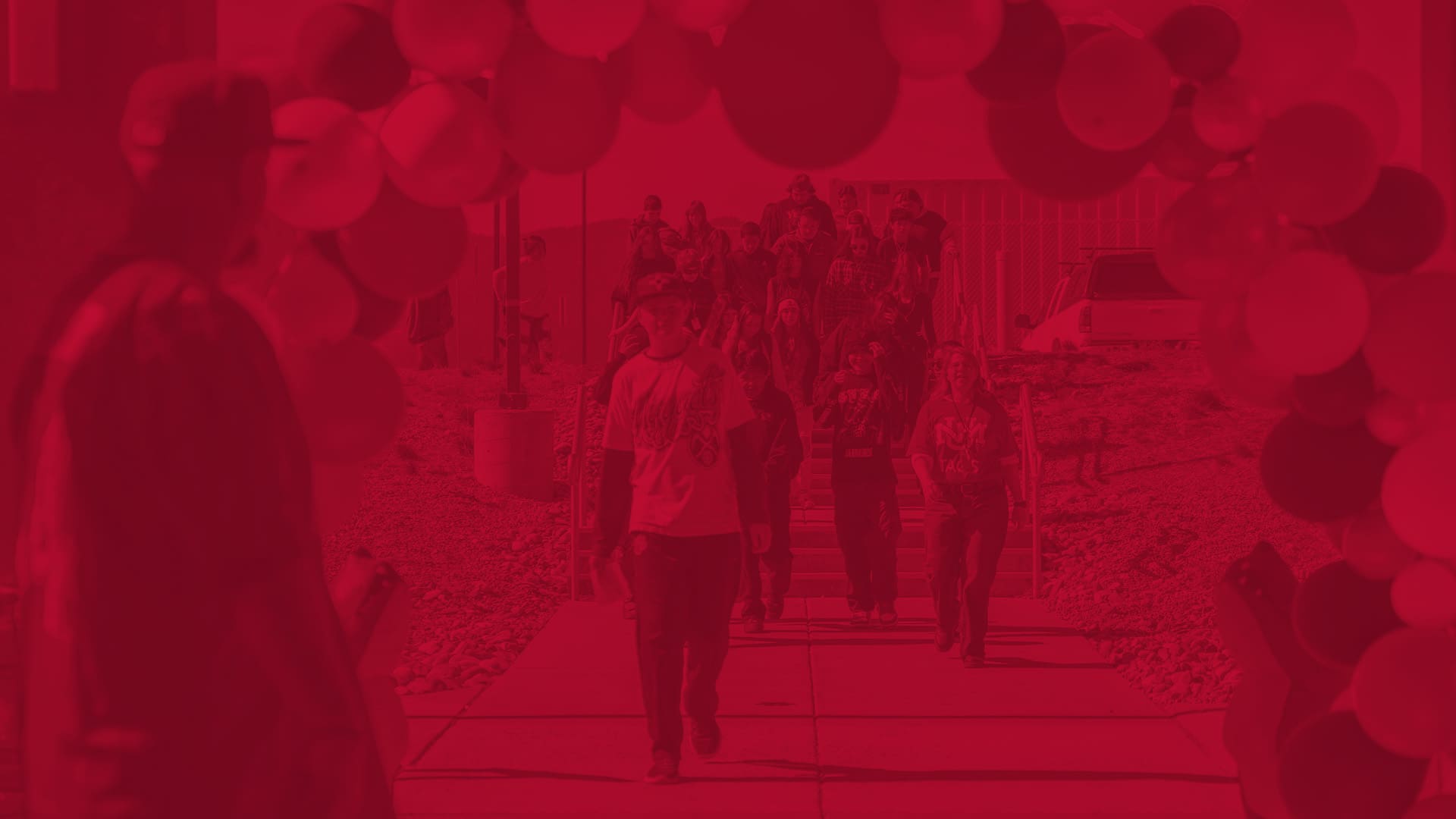
The Branch Communications and Marketing (BCAM) office manages the public identity of The University of New Mexico-Taos. We provide the tools, templates and professional guidance necessary to ensure all University communications remain consistent, professional and impactful.
Brand Identity and Assets
Maintaining a unified visual identity strengthens the UNM-Taos brand. Use these resources to ensure your projects align with University standards.
-
Logos and Marks: Download high-resolution files of the primary UNM-Taos logo. We provide versions for print (CMYK) and digital (RGB) use. Do not stretch, recolor or alter these marks.
-
Color Palette: The official colors are UNM Cherry (Hex #BA0C2F) and Silver (Hex #A7A8AA).
-
Typography: The University uses Vitesse and Gotham as primary typefaces. Use Arial as a web-safe alternative for emails and basic documents.
-
Logo Use Policy: Always maintain “clear space” around the logo—roughly the width of the “U” in the UNM mark.
- Letterhead: There is a range of “electronic letterhead” in the format of Microsoft Word templates.
- PowerPoint: Here is base design template for presentations.
Marketing and Program Promotion
Whether you are promoting a new certificate or a Summer semester course, these resources help you reach your target audience.
- Flyer and Poster Generator: A simple tool to create printable flyers for classes or events.
-
Flyer and Poster Templates: Access our library of Adobe Express and Microsoft Word templates. These include pre-set margins and logo placements to save you time.
- QR Code Generator: This tool allows you to make QR codes and printable items.
-
Requesting Content: If you need professional graphic design, photography or a news story written, please submit a BCAM Project Request Form. Allow at least 10 business days for most design tasks.
-
Marketing Strategy: Not sure where to start? We offer 30-minute consultations to help you select the best channels—social media, local radio or print—to reach your goals.
- Digital Screen: Around campus there is a screen system. We can promote using this system. To help us, you can create the slides yourself with this tool.
- Event Calendar Images: You can also use our tool for generating images for the event calendars around Taos.
Multimedia and Photography
High-quality visuals are essential for recruitment and storytelling.
-
Campus Photo Library: Browse our collection of approved images featuring UNM-Taos students and our campus. These are free for departmental use.
-
Video Production: We manage the University YouTube channel. Contact us to discuss video needs for your academic program or special event.
-
Image Credits: When using University photos in external publications, attribute them to “The University of New Mexico-Taos.”
- Release Forms: These forms are necessary for any photography or videography related to the university.
Media Relations and Storytelling
We want to share the successes of our faculty and students with the wider community.
-
Pitch a Story: If your department is launching a unique project or a student has achieved a significant milestone, let us know. We draft press releases and pitch stories to local media outlets.
-
Media Inquiries: All requests from reporters or news organizations should be directed to the BCAM office. This ensures the University provides a single, accurate response.
-
FERPA Compliance: Protecting student privacy is a legal requirement. You must obtain a signed UNM Photo/Video Release Form before using a student’s likeness in any marketing materials.
Digital and Social Media
Your online presence is often the first interaction a student has with the University.
-
Social Media Guidelines: University-affiliated accounts must be registered with BCAM. We provide best practices for post frequency and community engagement. We also have a tool that may help you generate brand compliant graphics for social media.
-
Email Signatures: Use the official UNM signature generator to create a professional look. Avoid adding personal quotes or unofficial graphics to your signature.
-
Web Updates: To request changes to your department page on the UNM-Taos website, please use our digital request portal.
Tutorials and Training
We provide short guides to help you use our resources independently.
-
Adobe Express for Beginners: A 5-minute video on using UNM-Taos templates.
-
Working with the Press: A PDF guide on what to do if a reporter calls you.
-
Social Media 101: Best practices for tagging UNM-Taos and using hashtags effectively.
Contact Us
Zachary Riesche
zriesche@unm.edu
Enrico Trujillo
enrico@unm.edu
575.737.3763
Scott Gerdes
sgerdes@unm.edu
Michael Tashji
mtashji@unm.edu
Submit a Request
Right now we take requests through email.